Using SQL for dynamic planning view |


|
Using SQL for dynamic planning view |
|
To create a dynamic view, you can use SQL-Code, to add/remove projects from your view.
1.Save the view:
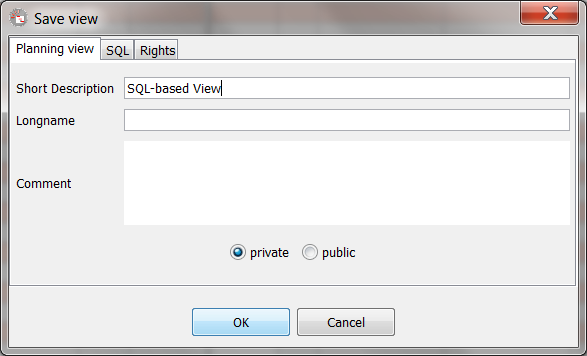
2.Enter the SQL-Statement, which select task_ids form projects.
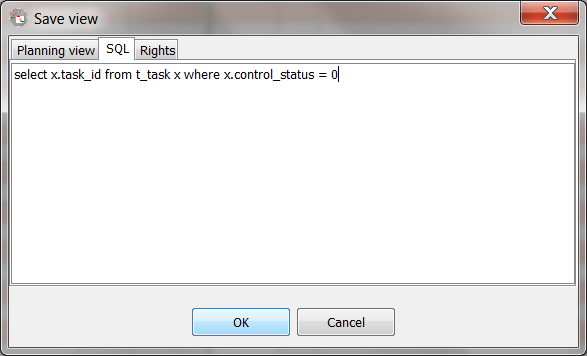
Examples for typical views:
Select new projects (status outstanding)
select x.task_id from t_tast x where x.task_id = x.project_fk and control_status = 0
Select running projects (status released, started, interrupted)
select x.task_id from t_tast x where x.task_id = x.project_fk and control_status in (1,2,3)
Select finished projects (status finished, cancelled)
select x.task_id from t_tast x where x.task_id = x.project_fk and control_status in (4,5)
Projects with a specified category:
select x.task_id from t_tast x where x.task_id = x.project_fk and x.task_type like '<our category>%'
Ask your planout sales partner vor more informations